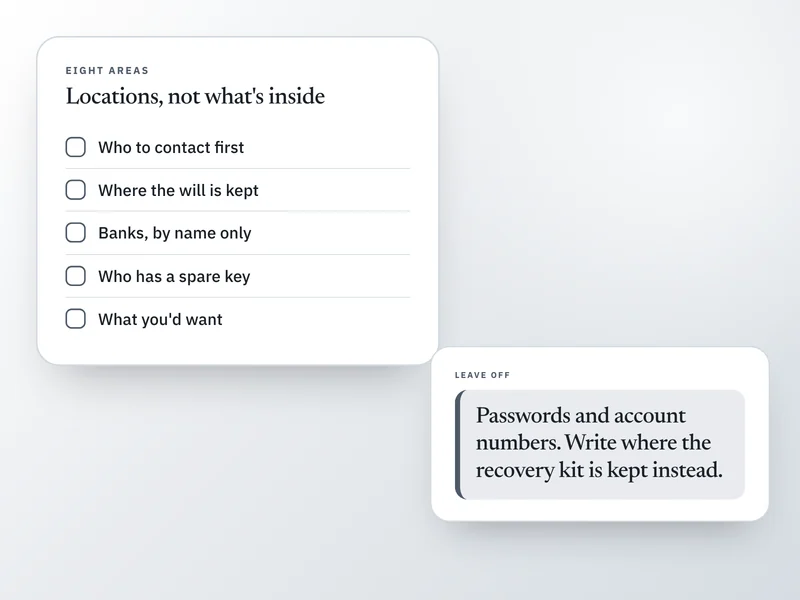
An if-something-happens-to-me file is a plain written record of where things are: which bank, where the will sits, who has a key, which email address everything is registered to. It says where to look, not what to do with what's found. It takes a few short sittings, and a file that's half done is still useful to whoever reads it.
This is for anyone who wants a working record, whether you already have a will or not. It can't tell you whether you need a will or a trust in your state, or settle anything about who inherits what; that's a question for an attorney, and none of this is legal advice.
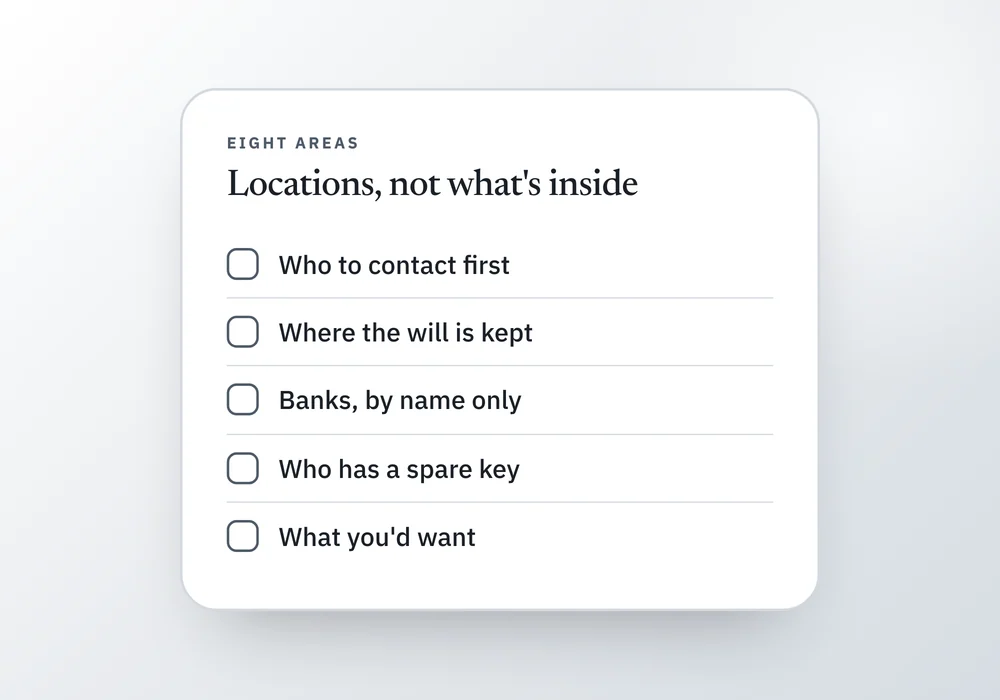
Not the same job as a will
A will decides who inherits what, and it has to meet your state's legal requirements to count. This file solves a different problem: even a current, valid will doesn't say which bank you use, where the deed to the house is, or that there's a life insurance policy no one else knew existed.
That gap, not the will itself, is what leaves families searching for months after someone dies. The fix is a plain record of what exists and where it is kept, built separately from any legal document and useful the moment you write the first line.
One page, filled in (example)
An invented household, to show how short a useful entry is. Every line says where something is or who to ask, never what's inside it.
People
- What the page says
- Contact first: Noor Whitfield (sister), 555-0148. Sorts things out: Callum Reyes (husband). Speaks for my medical care: Callum. We've talked about what I'd want.
Documents
- What the page says
- Will: filed with Hargrove & Associates, and a copy is in the fireproof box in the hall closet. Callum knows about the box. Passport and birth certificate: same box.
Money
- What the page says
- Banks: Meridian Credit Union (checking, savings), Founders Bank (joint with Callum). Workplace retirement plan through my employer, statements arrive by email.
Digital life
- What the page says
- Everything is registered to my personal email address. Password manager recovery kit: in the fireproof box. No passwords written down anywhere in this file.
| Area | What the page says |
|---|---|
| People | Contact first: Noor Whitfield (sister), 555-0148. Sorts things out: Callum Reyes (husband). Speaks for my medical care: Callum. We've talked about what I'd want. |
| Documents | Will: filed with Hargrove & Associates, and a copy is in the fireproof box in the hall closet. Callum knows about the box. Passport and birth certificate: same box. |
| Money | Banks: Meridian Credit Union (checking, savings), Founders Bank (joint with Callum). Workplace retirement plan through my employer, statements arrive by email. |
| Digital life | Everything is registered to my personal email address. Password manager recovery kit: in the fireproof box. No passwords written down anywhere in this file. |
What goes in it, area by area
Skip any area that doesn't apply to you. Someone who rents has nothing to write under Home, and someone without a business skips that row entirely.
8 of 8 rows shown
People
- Write down
- Who to contact first, who'd sort things out, who speaks for your medical care, and a backup for each.
- Leave off
- Anyone you haven't actually asked
Documents
- Write down
- Where the will is kept and who else knows, where your ID and birth certificate are, any safe or deposit box and who can open it.
- Leave off
- Copies of the documents themselves
Money
- Write down
- Every bank and retirement account by name, life insurance, what leaves your account automatically.
- Leave off
- Account numbers
Home
- Write down
- Own or rent, insurance company, mortgage lender, who has a spare key.
- Leave off
- Alarm codes
People and pets who depend on you
- Write down
- Who'd look after children, pets or anyone who depends on you, and what a normal week looks like.
- Leave off
- Anything you'd only tell one person
Digital life
- Write down
- The main email address, whether you use a password manager, and where its recovery kit is kept.
- Leave off
- Passwords, PINs, the master password
What you'd want
- Write down
- Preferences about medical care in your own words, and where any formal directive is kept. What you'd want for a funeral, if you've thought about it.
- Leave off
- Legal wording you're not sure of
Business, if you have one
- Write down
- Who could keep it running or wind it down, and where the paperwork is kept.
- Leave off
- Client data
| Area | Write down | Leave off |
|---|---|---|
| People | Who to contact first, who'd sort things out, who speaks for your medical care, and a backup for each. | Anyone you haven't actually asked |
| Documents | Where the will is kept and who else knows, where your ID and birth certificate are, any safe or deposit box and who can open it. | Copies of the documents themselves |
| Money | Every bank and retirement account by name, life insurance, what leaves your account automatically. | Account numbers |
| Home | Own or rent, insurance company, mortgage lender, who has a spare key. | Alarm codes |
| People and pets who depend on you | Who'd look after children, pets or anyone who depends on you, and what a normal week looks like. | Anything you'd only tell one person |
| Digital life | The main email address, whether you use a password manager, and where its recovery kit is kept. | Passwords, PINs, the master password |
| What you'd want | Preferences about medical care in your own words, and where any formal directive is kept. What you'd want for a funeral, if you've thought about it. | Legal wording you're not sure of |
| Business, if you have one | Who could keep it running or wind it down, and where the paperwork is kept. | Client data |
The wishes side, not just the where
Everything above is about locations: which bank, where the will sits, who has a key. The last row is different. It's your own words about what you'd want: preferences about medical treatment (see choosing a health care proxy for picking who'd speak for you), whether anything about a funeral or memorial is already arranged or paid for, and anyone you'd want told.
Keep this part short and plain. A sentence or two per topic is enough. It's also the part most files skip entirely, because it's the part that feels hardest to start.
What must not go in it
Passwords, PINs and full account numbers don't belong here. This file is deliberately easy to find, sitting in a drawer or a folder, and that's the whole point of it.
Write down where the password manager's recovery kit is kept, and who knows that, then stop. A file that's safe to leave out on a shelf is worth more than a perfect one locked somewhere no one can reach.
Where to keep it, and who should know
At least two people should know this file exists and roughly where it is. A record no one can find works the same as no record at all, and that happens more often than you'd expect.
Paper works better here than a file on a laptop. The laptop needs a password, the password lives in a password manager, and the password manager is exactly the thing someone locked out can't get into.
Do it in passes, and review it once a year
This never gets finished when it's treated as one large project due today. Treat it as several small ones instead: people on one evening, money on another, digital on a third. If you'd rather organize it on paper with labeled sections, life admin binder: what goes in it covers the physical set-up.
Any single pass makes things easier for whoever comes after you, even while the rest waits. Put a date on the first page, and reread it once a year, plus after a move, a marriage, a divorce, a new child or a death in the family. What to update after a life change covers the same review broken out by event.
Where this goes wrong
- It only exists on your computer, and the person who needs it doesn't have your password. Keep at least one copy on paper or somewhere findable without logging in.
- It gets so detailed that it becomes a second job, and it stalls on page two. A short finished file works. A long unfinished one does not.
- It goes stale. A bank you closed two years ago, a sister who moved, a phone number that changed: an outdated file is worse than a short one, because whoever reads it trusts it.
- It never leaves the drawer. Tell at least one person it exists and roughly where it is, or none of this helps the one person who needs it.
Questions people ask
What is an if-something-happens-to-me file?
It's a plain written record of where things are and who to contact, kept somewhere findable, so someone else doesn't have to search or guess. Some people call it an emergency file or a life admin file. It records locations and names, not the documents or accounts themselves, and it carries no legal weight on its own.
Is this the same as a will?
No. A will says who gets what, and it has to meet your state's legal requirements to be valid. This file says where the will is kept, along with everything else someone would need to find. Having one doesn't replace the other, and this file is not a substitute for making a will if you don't have one.
Do I still need a will if I have this file?
This file records where things are. It doesn't decide who inherits what, name a guardian, or carry legal authority. If you don't have a will yet, this file is still worth starting today, but ask an attorney licensed in your state whether you need a will or something more, like a trust.
What should I leave out of the file?
Passwords, PINs, full account numbers and anything you wouldn't want a houseguest to read. Write down where the password manager's recovery instructions are kept, not the instructions themselves. This file sits somewhere people can find it, including visitors and contractors, so it should hold locations, not the keys.
How often should I update it?
Once a year is a reasonable rhythm, plus right after a move, a marriage, a divorce, a new child, a new job or a death in the family. Put a date on the first page so whoever reads it can tell how current it is. A full reread usually takes under half an hour.
Where a Companion helps
Personal Life Affairs Companion is built around this same idea. Eight short yes or no questions decide what it will and won't ask you about, then it works through the rest one short step at a time, across the same areas as above: who to contact, your documents, money, home, the people and pets who depend on you, your digital accounts, and what you'd want.
It never asks for a password, an account number or a document, only where each one is kept. When there's enough recorded, it prints a book called My Affairs that you hand over yourself. It doesn't write a will, and using it isn't legal advice.
Sources and how we checked
- CaringInfo (National Alliance for Care at Home): Advance directives: Backs the point that health care preference forms are a state-specific legal document separate from an informal file, and that the person named to speak for care is a formal choice.Checked 26 September 2026.
Where to go next
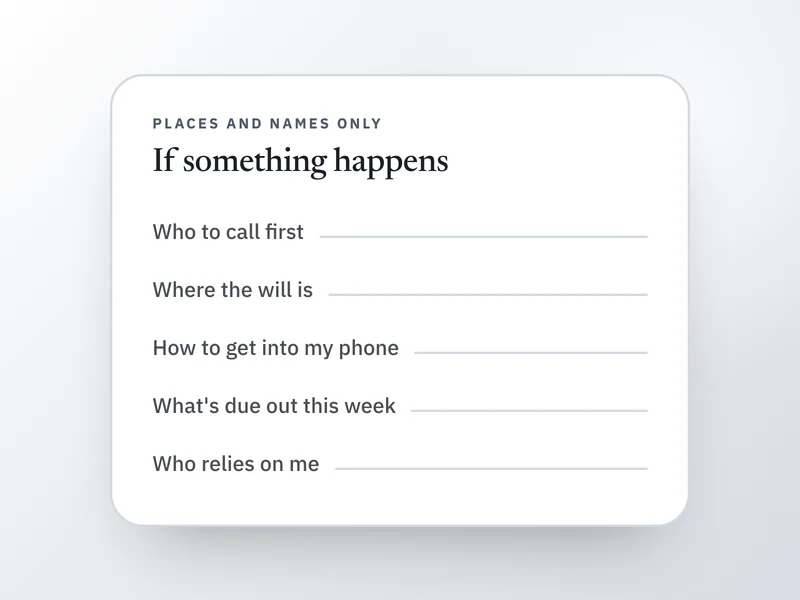 If this is where you areWhat to write down in case something happens to meFor the short list of details that live only in your head, start here and keep it findable.
- Life admin binder: what to include, in 8 sections
To hold the finished file in one physical place, this sets out eight sections and what to leave out.
- If you were hospitalized, what would someone need to find?
To test whether the file works, this asks what someone would need to find if you were hospitalized for two weeks.
- How to choose a health care proxy, and record it
Once you know who would speak for you, this covers choosing a health care proxy and recording where the forms are.